Multi-Slide Carousel Posters | Pre-Event Campaign
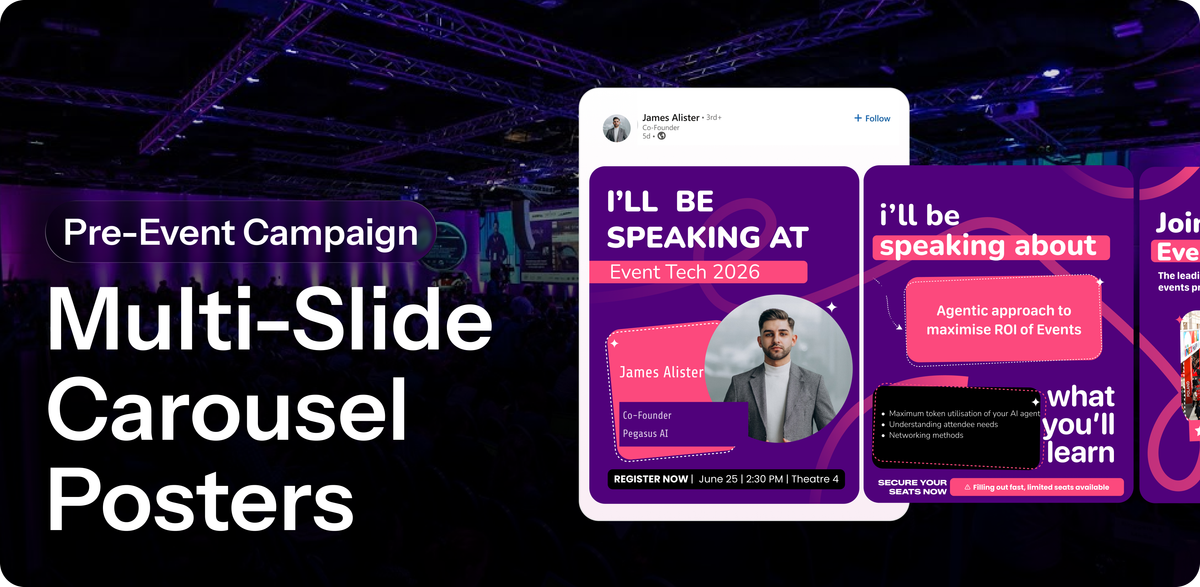
Every attendee, speaker, and exhibitor at your event has a LinkedIn network. Most of them will never post about your event. And the ones who do post a generic "I'm attending" graphic that gets three likes and disappears.
The problem isn't motivation. It's content. Give people something worth sharing and they will share it.
Carousel posts get 3.7x more engagement than single image posts on LinkedIn. Premagic lets you generate personalized, branded carousels for every participant at your event — automatically, at scale, before doors even open.
Why organizers and marketers love it
Your event's reach shouldn't stop at your own follower count. With Multi-Slide Carousel Posters, every participant becomes a marketing channel — reaching their own network with content that's personalized enough to actually get shared.
- Turn participants into organic promoters before the event starts
- Drive registrations through warm referrals, not cold ads
- Build pre-event buzz across LinkedIn without a paid media budget
- Get measurable reach across every speaker, exhibitor, and attendee network combined
- Deliver branded, consistent content at scale with zero manual effort per person
Personalized for every type of participant
Speakers
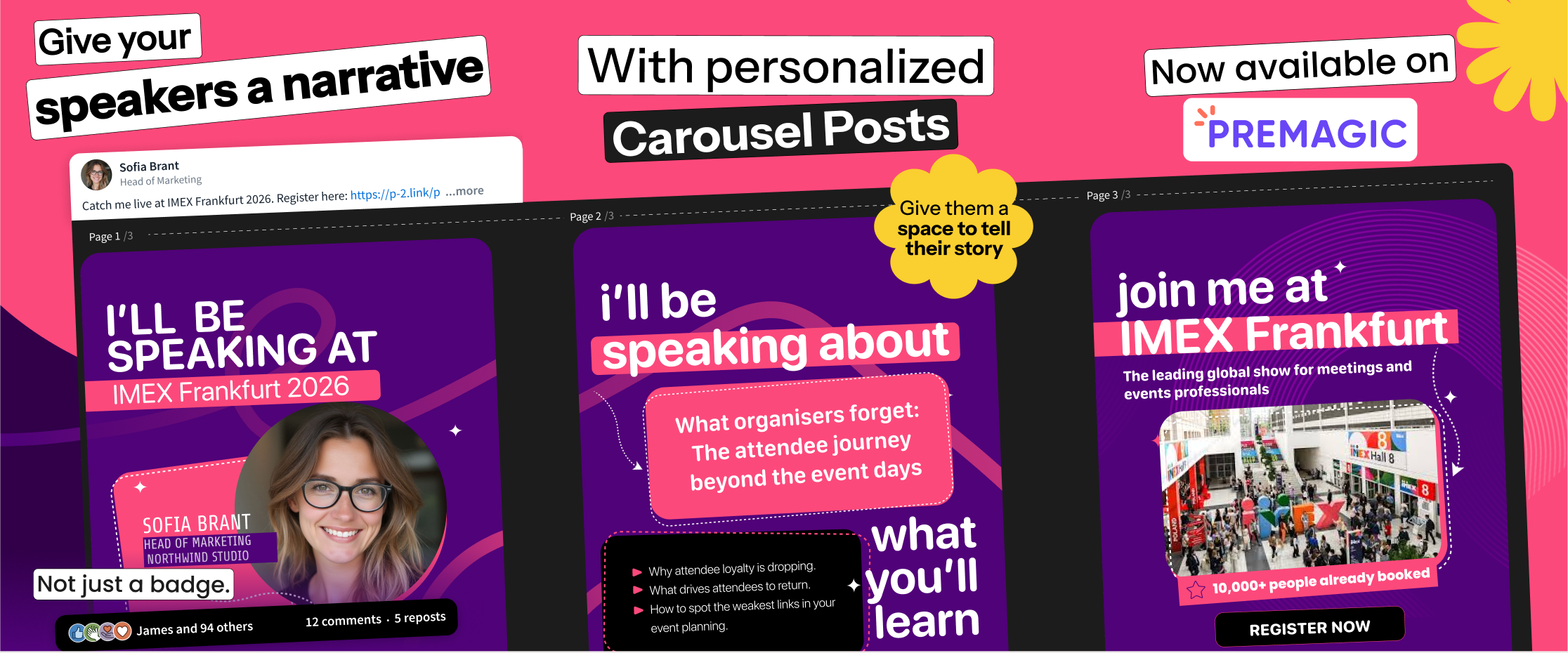
A speaker with 8,000 followers is one of your most valuable marketing assets. Most organizers never activate that reach.
Each speaker gets a carousel built around them — their session title, topic, date, time, and photo. Content their network will actually stop to read because it's about someone they follow, not just an event announcement.
- Session title and topic front and center
- Speaker photo, name, title, and company
- Event details and registration CTA
- Pre-written LinkedIn caption included
Exhibitors
Exhibitors paid to be at your event. Give them content that makes that investment visible to their network.
Each exhibitor gets a carousel that works as a company announcement — their booth, their team, what they're showcasing. Something their network engages with because it tells a business story, not just an event check-in.
- Company name, booth number, and hall details
- Team members attending
- What they're showcasing or offering at the booth
- Meeting booking CTA
Attendees
An attendee sharing your event through their own voice is worth more than any banner ad. The content just has to be worth sharing.
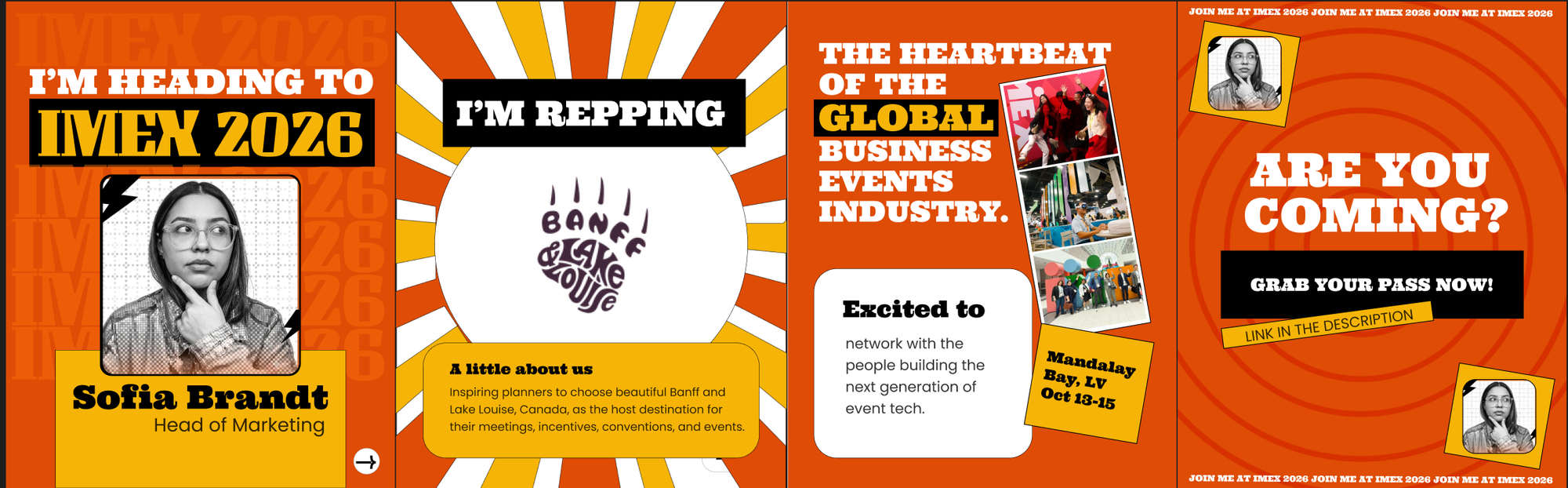
Each attendee gets a carousel that's built around them — who they are, why they're there, what they're going to do. The event is the context. They're the story.
- Attendee name, role, and company
- Their agenda or goals at the event
- Event scale and speaker highlights for borrowed credibility
- "Come find me" or registration CTA
Sponsors
Give sponsors a content asset that extends their visibility beyond the event floor and into the LinkedIn feeds of every participant network.
Each sponsor gets a branded carousel that ties their presence to the event — visibility that goes far beyond a logo on a lanyard.
- Sponsor branding integrated into every carousel template
- Custom sponsor slides or CTAs within participant carousels
- Measurable impressions across all shared posts
How to create carousel campaigns on Premagic
Step 1: Log in and go to Campaigns: From your Premagic dashboard, navigate to the Campaigns section and select Create Campaign.
Step 2: Choose a template or upload your own: Browse the ready-to-use templates available in Premagic. New templates are added periodically. If you have your own designs, click on Start With Your Own Design and you can upload all slides directly. Make sure every slide in the carousel is uploaded together.
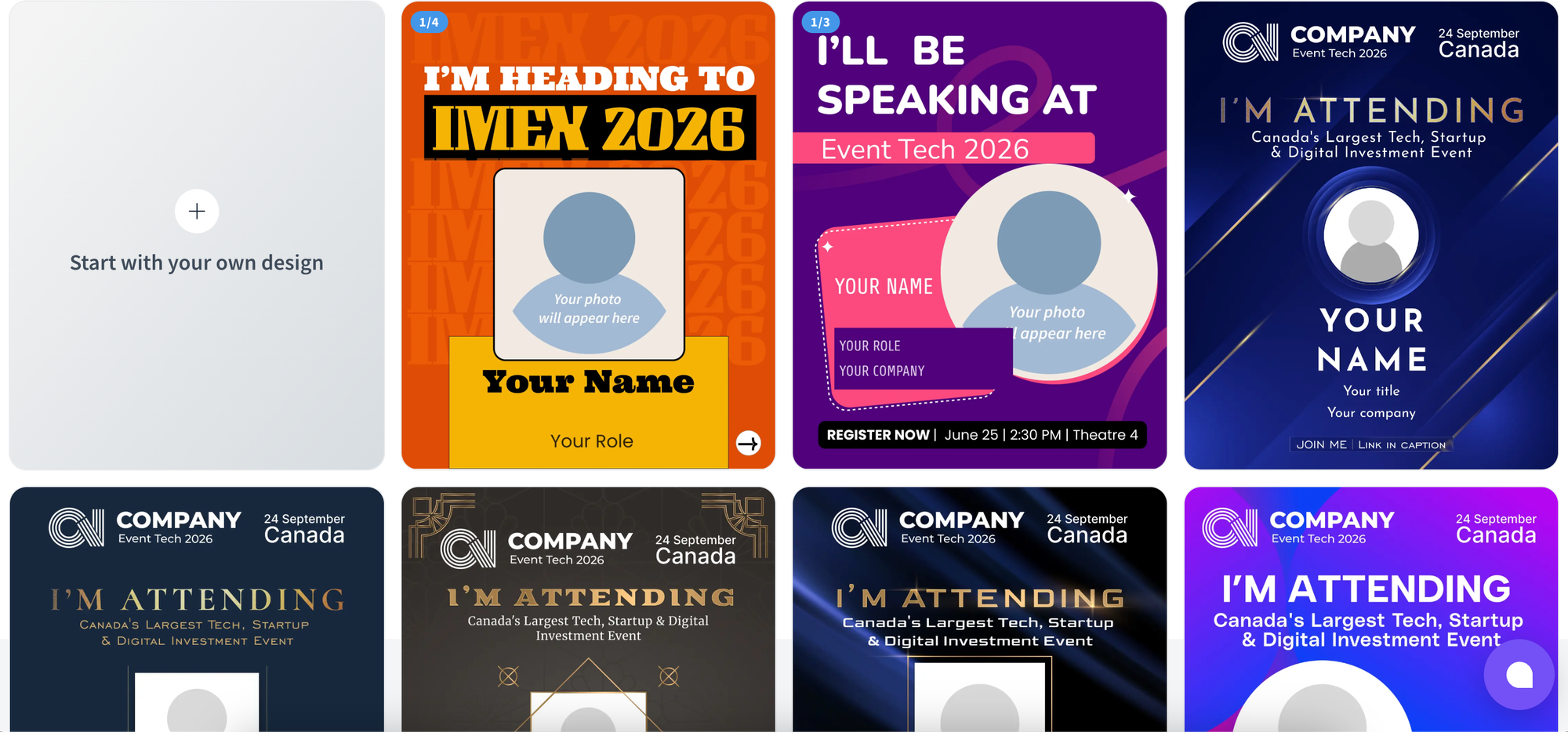
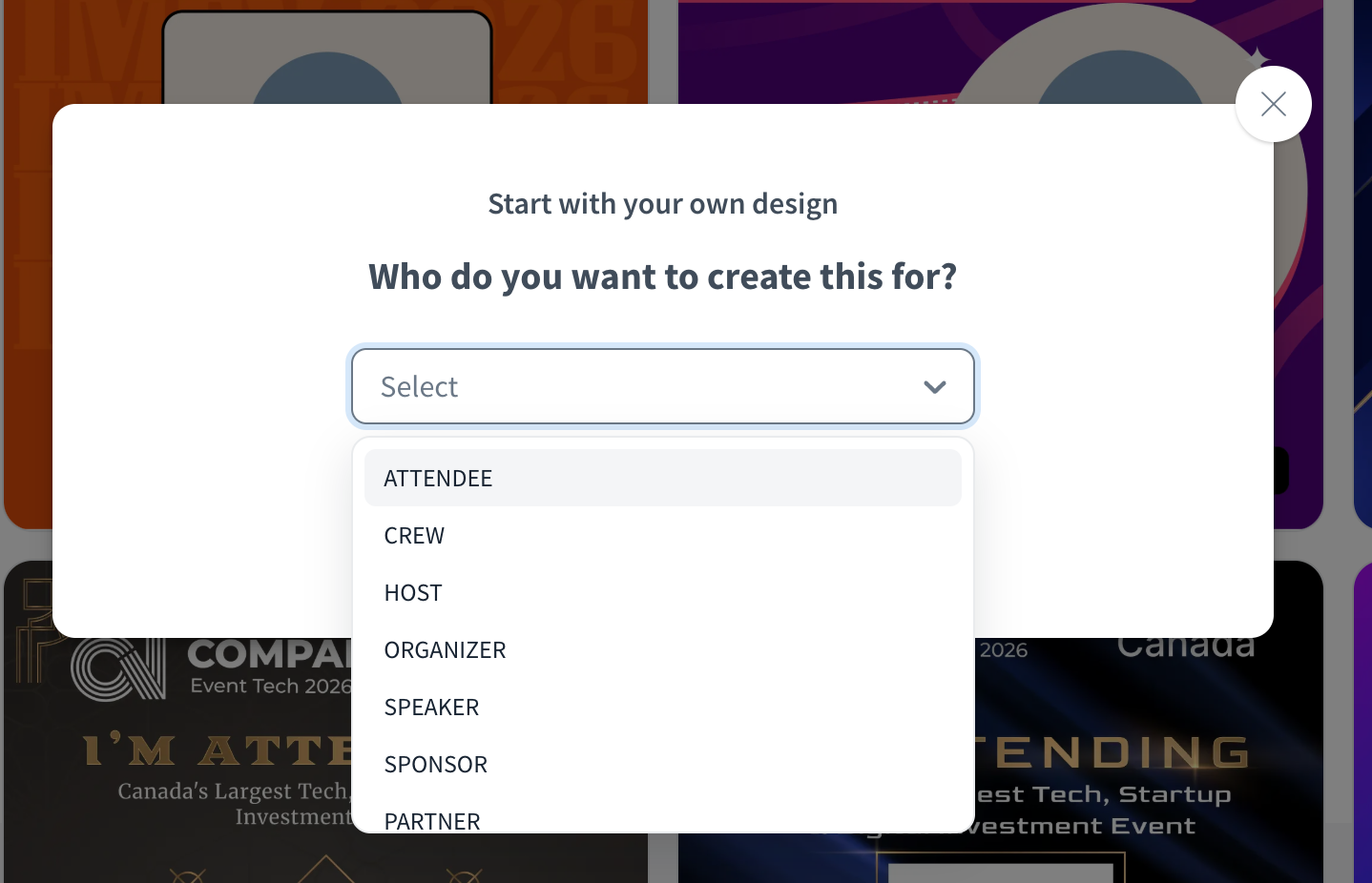
Step 3: Select your recipient type: Choose who you're creating the carousel for — speakers, exhibitors, attendees, or sponsors. Each recipient type has its own set of templates built around what that group wants to share.
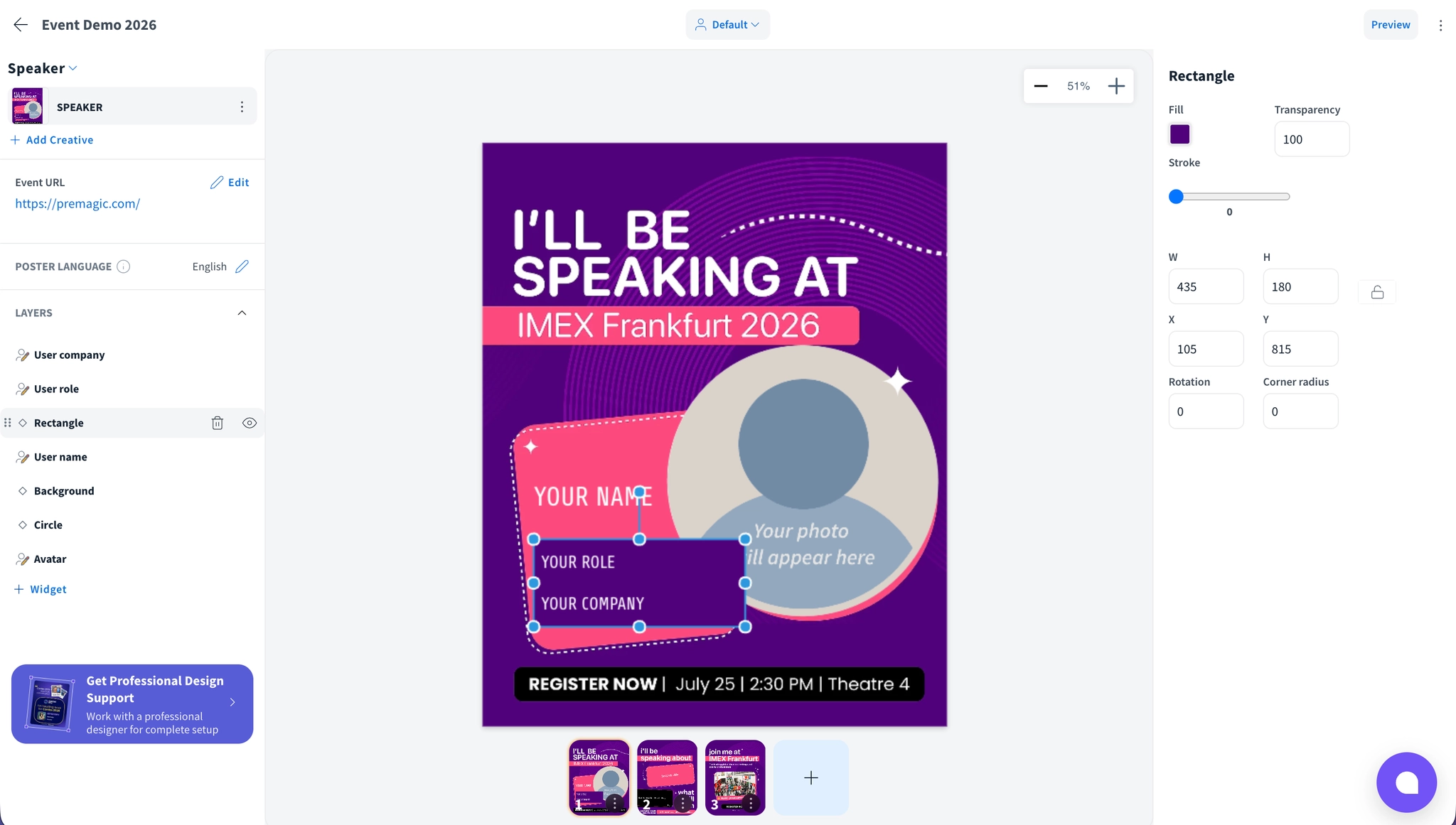
Step 4: Customize in the editor: You're now in editor mode. Modify colors, fonts, and visual elements to match your event branding. Use the widget panel to add placeholders — attendee name, role, photo, company, and any other personalization fields on each slide. Move, align, and position each placeholder exactly where you want it on the poster.
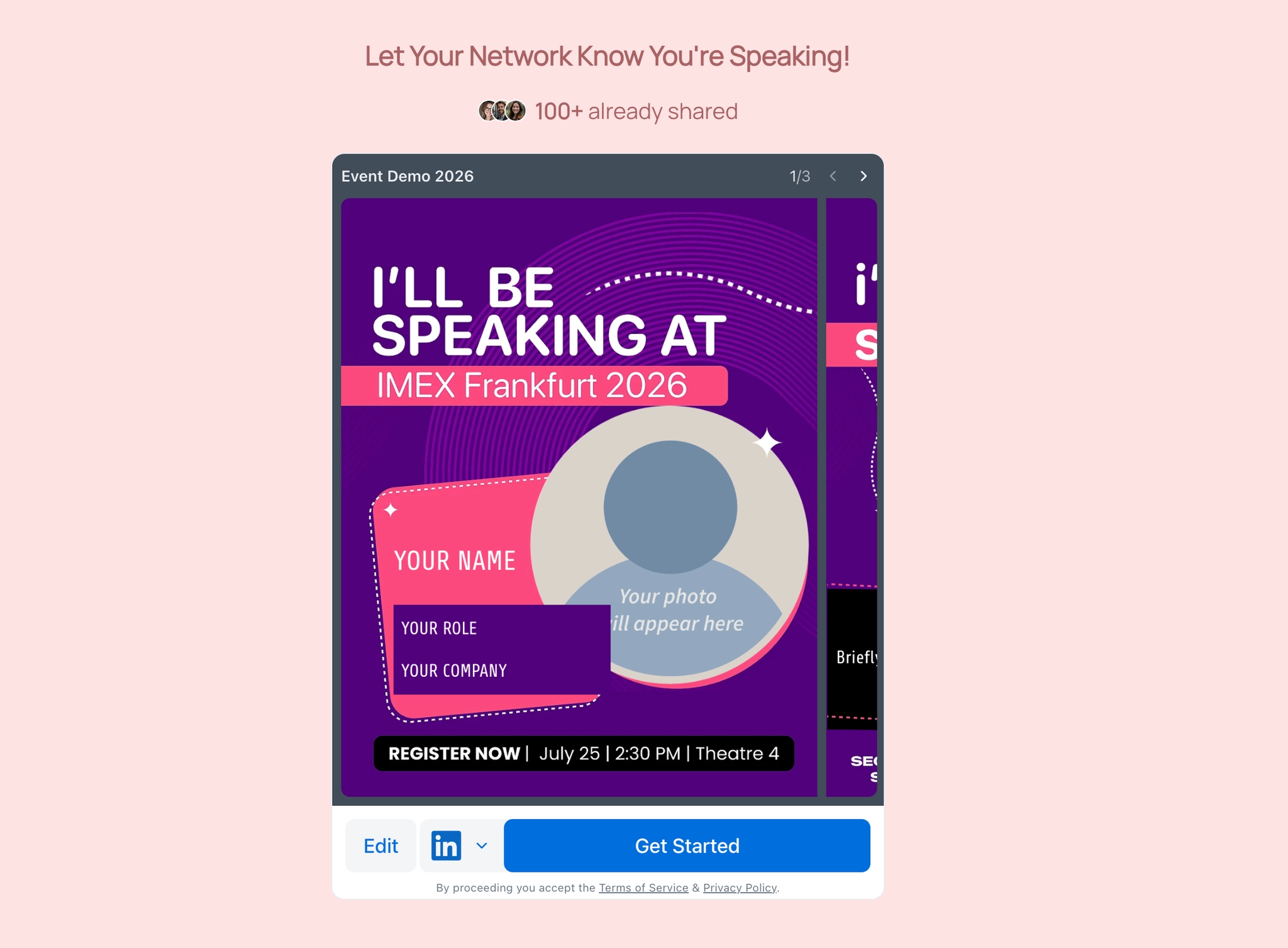
Step 5: Add your event URL: This is an important step. Add your event URL in the caption settings. This link gets automatically attached to the caption whenever a participant shares their carousel on LinkedIn — so every post drives traffic back to your event page without the participant having to do anything extra.
Step 6: Share with your participants
Once your carousel is ready, you have a few ways to get it out. Share a direct link with your participants, or run an email or WhatsApp campaign straight from Premagic — the same way you'd send out any other poster campaign. Participants receive their personalized carousel ready to post, with the caption and event URL already attached.
Watch Video: Introducing Multi-Slide Carousels by Premagic
Every event you run generates dozens of networks you're not tapping into. Carousels turn each speaker, exhibitor, attendee, and sponsor into a channel of their own, sharing content that's actually built around them, not just another logo drop. That's the difference between a post that gets three likes and one that reaches an audience your event page never could.
If you're still relying on single-image posters or hoping people share out of goodwill, it's worth seeing what personalized carousels can do for your next event. Book a demo today and we'll show you how to set this up before your next event even opens registration.